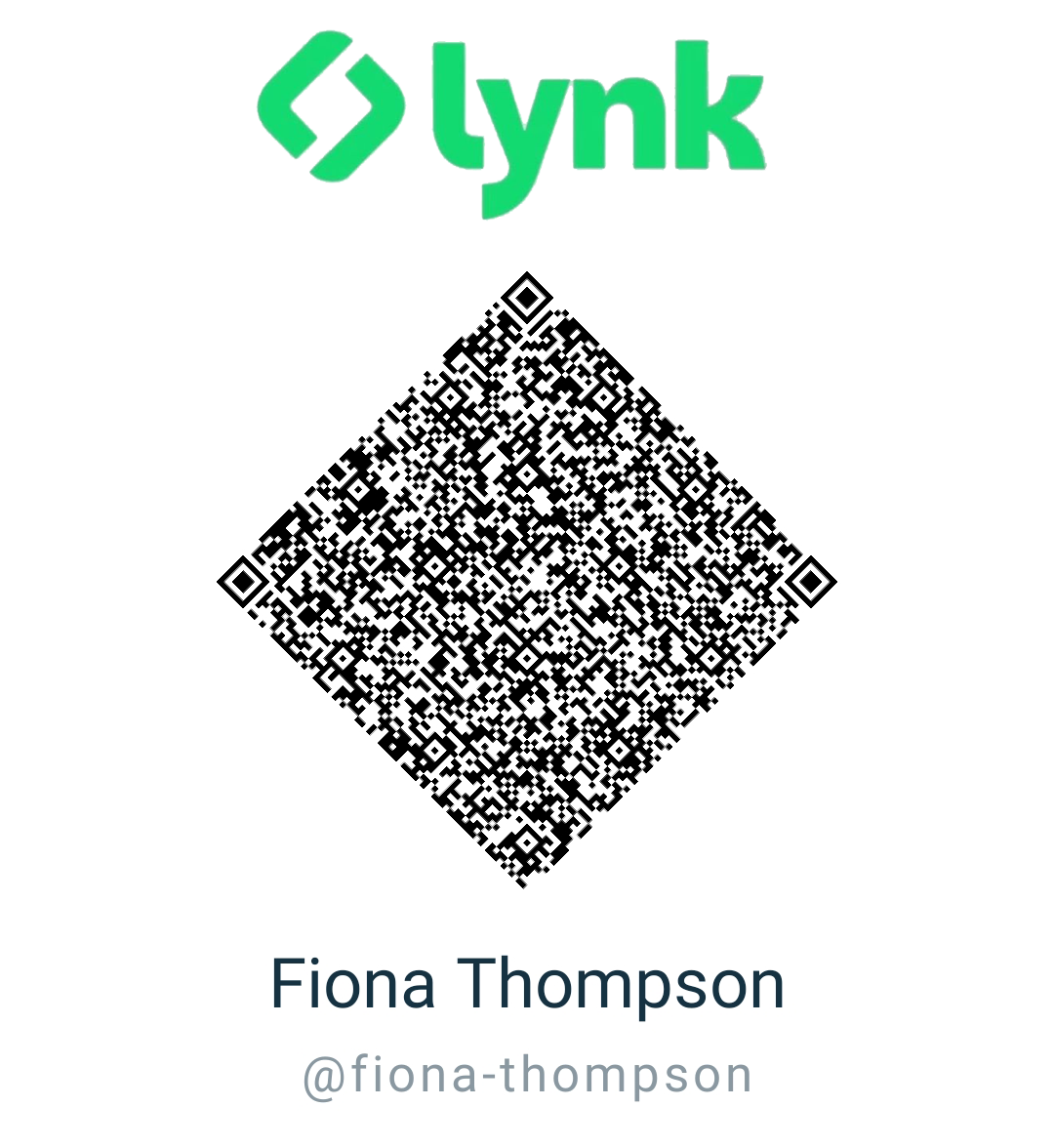
Payment Instructions Log in to the Lynk appScan the QR Code on this screenEnter the specified amount eg. $5000.00Add a trnasaction note Confirm the amount being paidComplete the transactione If payment is not made, your scheduled session will be cancelled. Schedule a Consultation Session with us Book Now!